Strategy
Part of Small Business Social Media: A 90-Day Operating Reset
LinkedIn Page Admin Versus Pinterest Analytics for Small Business
Social media scheduling tools for small businesses include native LinkedIn and Pinterest options compared by limits, permissions, editing, and workflow fit.
What to take away
- Start with native scheduling when one or two channels meet the business need; add software only for a concrete gap such as cross-channel approval.
- LinkedIn and Pinterest have different scheduling windows, eligible content, editing rules, roles, and operational limits.
- Test a real post, correction, access change, reporting need, and failed connection before adopting any publishing tool.
Social media scheduling tools for small businesses should solve a documented workflow problem without surrendering account control. LinkedIn Page Admin versus Pinterest Analytics is the subject here. This unpaid, non-ranking comparison covers two native options. Features, eligibility, interfaces, and limits can change, so verify current details and run a real-task trial.
LinkedIn Page administration
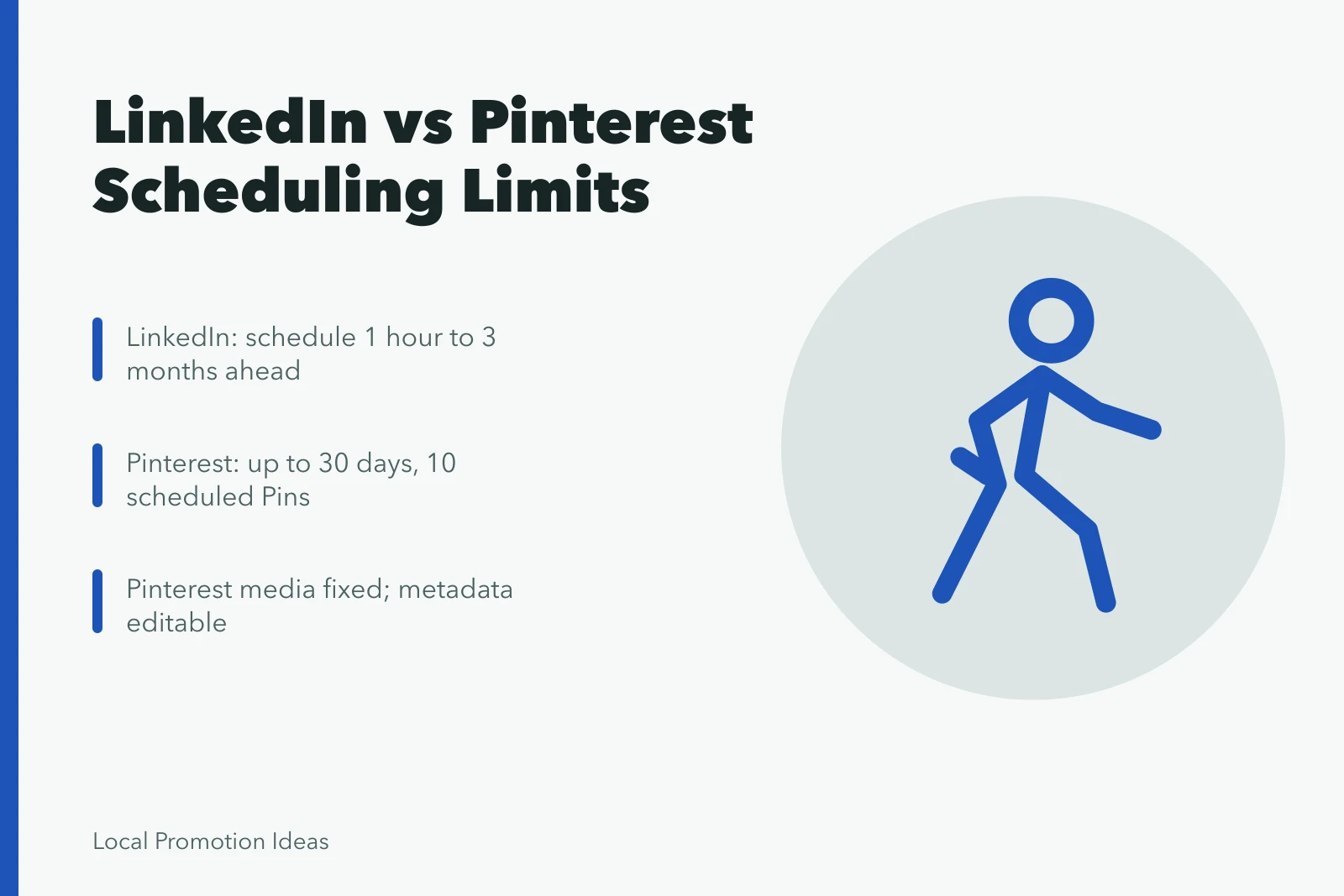
LinkedIn's Page post scheduling guide says eligible Page administrators can schedule supported posts from one hour to three months ahead and later edit the publication time or delete the scheduled item. It lists content limits and notes that scheduled posts remain tied to the Page if the scheduling administrator loses access.
LinkedIn Page Admin Roles
Super admin
- Scheduling
- Yes
- Analytics
- Yes
- Offboarding
- Full control
Content admin
- Scheduling
- Yes
- Analytics
- Yes
- Offboarding
- Content only
Analyst
- Scheduling
- No
- Analytics
- Yes
- Offboarding
- Read only
Paid-media
- Scheduling
- No
- Analytics
- Paid only
- Offboarding
- Ads only
LinkedIn offers super admin, content admin, analyst, and paid-media roles with distinct permissions. Pages support native scheduling for eligible post types. Page analytics cover content, followers, visitors, search appearances, and competitors, plus other areas.
Test post formats, scheduling limits, approval needs, and analytics export. Also test role offboarding and agency access assignment.
Role offboarding and agency access tie into the account control and disclosure rules in these social media best practices.
Pinterest business analytics
Pinterest's Pin scheduling instructions say a business account can schedule standard Pins up to 30 days ahead, with up to ten scheduled items at a time. The publication date, title, board, description, and link can be updated after scheduling, while the image or video cannot. Verify the current interface in the actual account.
Pinterest Scheduling Limits
- 30 daysmaximum scheduling window
- 10maximum scheduled Pins at once
- 0image or video edits after scheduling
Pinterest Analytics reports overall performance, top Pins and boards, impressions, saves, clicks, outbound actions, video measures, audience information, and filters for a business account. Its help documentation notes that some real-time metrics are estimates subject to change. Test claimed-site setup, publishing, link accuracy, product data where relevant, filters, exports, and mobile destination quality.
Run a controlled comparison
Use the same real content brief, correction, scheduled update, customer message, rights record, metric question, and staff-offboarding scenario. Score account ownership, least-privilege access, review workflow, channel coverage, accessibility, data handling, exports, integration failure, support, training, cancellation, and total cost. A controlled comparison also produces the baselines a small business needs for social media benchmarks.
A native scheduler may be sufficient for a focused operation. Add a third-party suite only when cross-channel approvals, asset management, listening, reporting, service integration, or archiving create measurable value. The business should retain primary profile ownership and recovery regardless of the software selected.
Verdict: A one-channel small business that depends on professional networking fits LinkedIn Page admin, while a one-channel visual retailer fits Pinterest business. A two-channel business needs both native tools because neither native analytics combines channels, and the reporting gap becomes a fixed manual task.
Native scheduling comparison
LinkedIn Pages
- Published window
- One hour to three months
- Published queue
- Verify current Page limits
- Editing
- Time or deletion; format limits apply
- Control
- Named Page administrator
- Analytics and reporting
- Content, followers, visitors, search appearances, competitors; exports available
Pinterest business
- Published window
- Up to 30 days
- Published queue
- Up to ten scheduled Pins
- Editing
- Metadata editable; media fixed
- Control
- Business-account access
- Analytics and reporting
- Overall performance, top Pins and boards, impressions, saves, clicks, outbound actions, video, audience, filters; some metrics are estimates
Pricing is not compared here. Native scheduling is free with a business account. Third-party suite cost depends on seats, channels, retention, and support tier, so a fair comparison requires a written quote.
Test the operating burden
The GOV.UK technology selection guidance recommends adaptable choices, data control, security review, and ownership-cost analysis. Use those public-service questions when assessing publishing software; they are not product endorsements.
The GOV.UK open standards guidance links open standards with interoperability and reduced supplier dependence. Test whether data and definitions can move.
For social media scheduling tools for small businesses, keep the evidence record beside the decision so a reviewer can reproduce the reasoning without relying on memory.
Common questions
Does a small business need a scheduling tool?
No. Use one only when planned publishing, approvals, collaboration, reporting, or workload improves enough to justify access, training, monitoring, and failure risk.
Should a business schedule every post?
No. Reserve capacity for service updates, corrections, live events, genuine conversation, and incidents that require current facts and human judgment.
What should a tool trial include?
Test supported formats, approval, editing, time zones, accessibility, destinations, roles, exports, correction, outage response, support, cancellation, and offboarding with real work.